

HIPAA-compliant Document Management for Healthcare
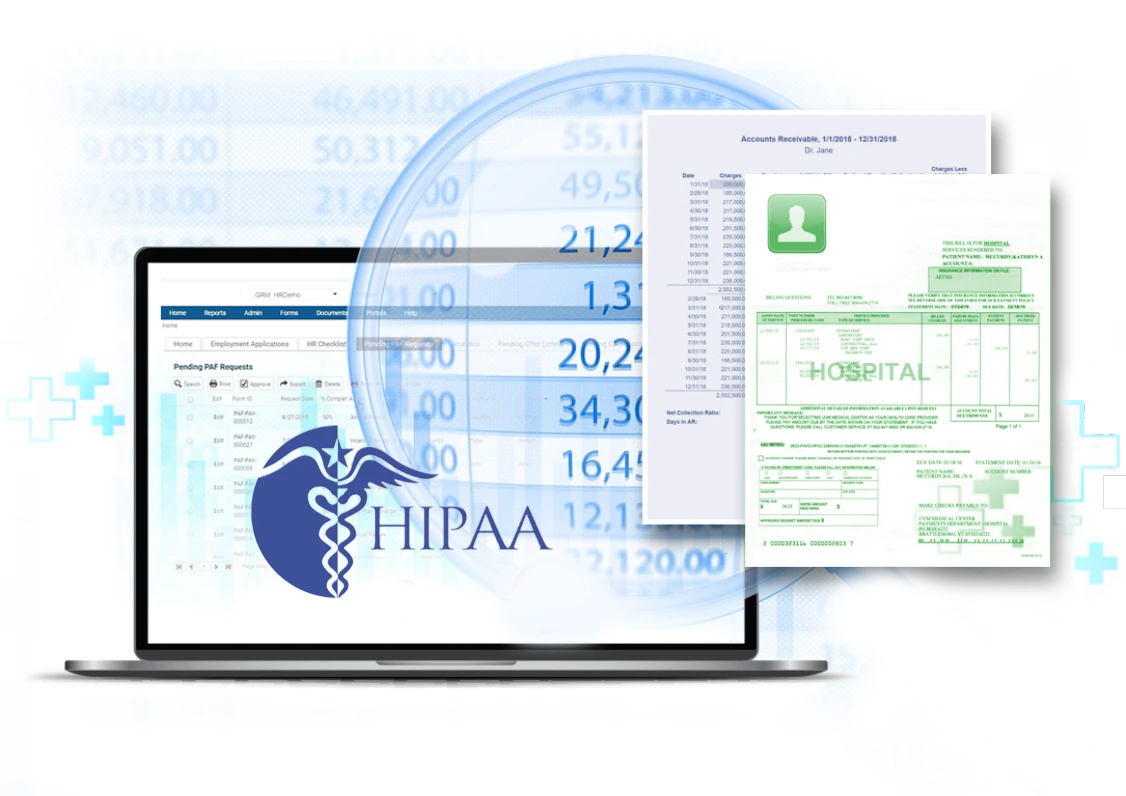
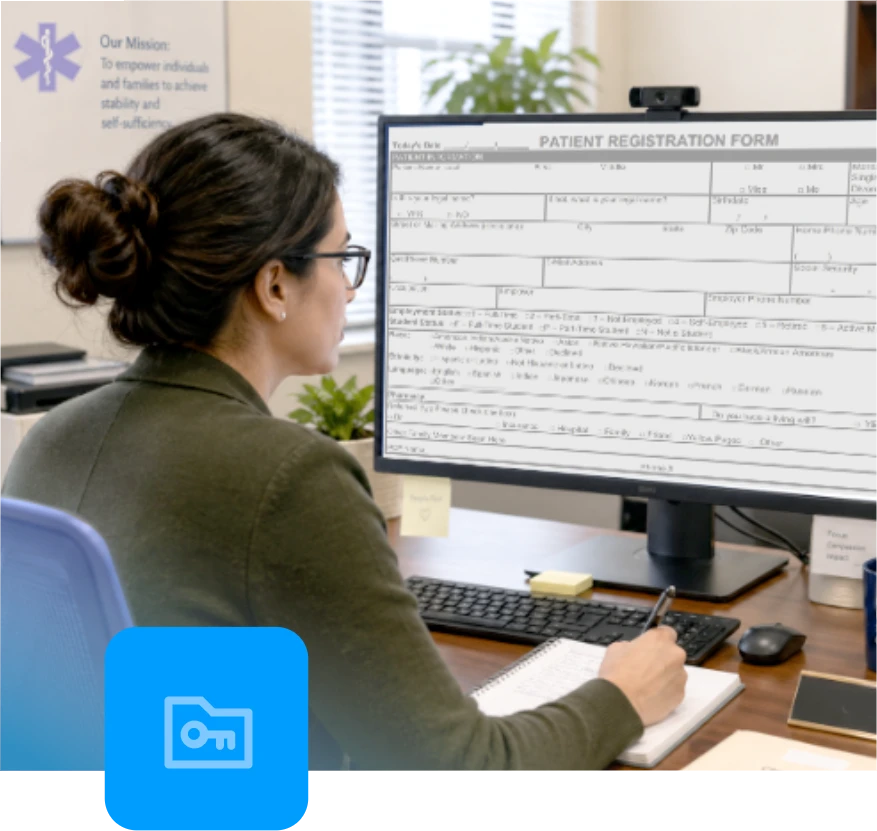
Healthcare teams manage protected health information across intake forms, patient records, authorizations, correspondence, approvals, and release-of-information processes. A HIPAA-compliant document management system helps control how that information is stored, accessed, routed, reviewed, and shared.
VisualVault supports healthcare organizations with secure digital document management, configurable workflows, role-based access, audit-ready activity history, reporting, and routing visibility. These capabilities help healthcare IT, compliance, HIM, and operations teams reduce manual handling, improve process control, and document key actions.
What HIPAA Requires for Document Management
HIPAA requires covered entities and business associates to protect PHI and electronic PHI through administrative, physical, and technical safeguards. For document management, that means healthcare organizations need policies, procedures, and system controls that limit inappropriate access, support secure handling, and maintain a traceable record of activity.
The minimum necessary standard requires organizations to limit PHI access, use, and disclosure to the information needed for a specific role, task, or purpose. For document management, permissions should align with user responsibilities rather than broad, unrestricted access.
HIPAA also includes technical safeguard standards for access control, audit controls and transmission security. Healthcare organizations should be able to verify that users are permissioned appropriately, document activity is logged, records are protected from improper alteration, and electronic PHI is protected when transmitted.
Also, when a vendor creates, receives, maintains, or transmits PHI on behalf of a covered entity, Business Associate Agreement requirements may apply. A BAA documents permitted uses, safeguard obligations, reporting expectations, and responsibilities for protecting PHI.
How VisualVault Delivers On Document Management Requirements
VisualVault helps healthcare organizations manage digital documents and document-driven workflows with controls that support HIPAA-aligned document management.
Access Controls
VisualVault supports controlled access to digital records through user permissions and configured workflows. Healthcare teams can limit document access by role, department, case type, or process stage, helping reduce unnecessary exposure of PHI.
Audit Controls
VisualVault maintains audit-ready activity history for document and workflow actions. Teams can review timestamped approvals, routing logs, and user activity to support internal reviews, compliance investigations, and audit preparation.
Integrity Controls
Healthcare document processes often require confidence that records are complete, current, and routed through the correct steps. VisualVault features support structured document management, and approval checkpoints that help preserve record integrity across intake, review, and completion.
Transmission Security
VisualVault supports secure document handling with encryption for data at rest and in transit. Current encryption standards and security controls can be reviewed during the security and contracting process.
But, encryption is one part of a HIPAA-aligned document management program. It should work alongside access controls, audit-ready activity history, user authentication, retention policies, internal security procedures, and documented vendor agreements.
Operational Visibility
With workflow timers and rules enabled, VisualVault can help teams monitor time-in-stage, queue aging, on-time vs. late completion, and the share of cases routed automatically for new cases from go-live. This visibility helps managers identify stalled work, ownership gaps, and process delays earlier.
FHIR Standards for Secure Healthcare Data Exchange
VisualVault has adopted FHIR standards to create a more consistent framework for healthcare data exchange. When paired with VisualVault’s access controls, audit trails, encryption, and configurable workflows, FHIR helps organizations manage sensitive healthcare information more securely.

Business Associate Agreement Requirements
For healthcare engagements involving PHI, VisualVault addresses Business Associate Agreement requirements during the contracting process when VisualVault acts as a business associate under HIPAA.
A BAA documents how PHI may be handled, the safeguards required to protect that information, and each party’s responsibilities. For healthcare organizations evaluating document management vendors, this is an important contracting step before PHI is stored, processed, routed, or accessed through a vendor platform.
A BAA does not replace an organization’s own HIPAA policies, procedures, workforce training, or risk analysis. It supports the vendor relationship by documenting responsibilities for handling PHI.
Encryption and Security Review
VisualVault supports encryption at rest and in transit. Current encryption standards, security controls, and related technical documentation can be reviewed during the security and contracting process.
This approach gives healthcare IT and compliance teams the opportunity to evaluate VisualVault’s current controls against internal security requirements, HIPAA risk analysis findings, procurement standards, and vendor review procedures.
Encryption should be evaluated as part of a broader HIPAA-aligned document management strategy that includes access control, audit-ready activity history, traceable routing, workforce policies, retention requirements, and documented vendor responsibilities.

Audit Trail and Access Logging
VisualVault provides audit-ready activity history that helps healthcare teams understand how documents move through a process. Authorized users can review actions such as document access, routing, approvals, status changes, and workflow activity.
This level of logging supports compliance reviews, helps identify bottlenecks, and gives managers visibility into ownership and completion status. With workflow timers and rules enabled, time-in-stage reporting can also highlight stalled work early, before delays affect service levels or audit readiness.
An In-House Release of Information (ROI) Solution
Healthcare organizations can employ their own staff and use VisualVault’s Healthcare Release of Information (ROI) software to process ROI requests, as needed.. The fully HIPAA-compliant solution delivers workflows for intake, routing, review, approvals, status tracking, and audit-ready activity history, helping teams manage request ownership, time-in-stage, queue aging, and on-time vs. late completion.
For organizations that want a fully managed option, VisualVault’s sister company, GRM Information Management, can provide a comprehensive, staffed Release of Information solution.

HIPAA Document Management Vendor Checklist
Use this HIPAA compliance checklist when evaluating a healthcare document management vendor:
- Does the vendor address BAA requirements when its services involve PHI?
- Does the system support role-based access controls?
- Can users be permissioned by role, responsibility, or process stage?
- Does the platform maintain audit-ready activity history?
- Can document routing, approvals, and ownership be traced?
- Does the vendor encrypt data at rest?
- Does the vendor encrypt data in transit?
- Can managers monitor queue status, time-in-stage, overdue work, and
- bottlenecks with configured workflow reporting?
HIPAA Document Management: Frequently Asked Questions
Below are some frequently asked questions and short answers related to VisualVault Case Management capabilities:
What is HIPAA-compliant document management?
HIPAA-compliant document management refers to the systems, policies, procedures, and safeguards used to store, access, route, protect, and audit documents that contain PHI. A platform should support access control, activity logging, encryption, traceable routing, and secure document handling.
Does HIPAA require encryption for document management systems?
HIPAA treats certain encryption specifications as addressable, which means healthcare organizations must assess whether encryption is reasonable and appropriate for protecting electronic PHI. VisualVault supports encryption at rest and in transit, with current standards available for review during the security and contracting process.
Why are BAA requirements important for document management?
BAA requirements are important when a vendor creates, receives, maintains, or transmits PHI on behalf of a covered entity. A BAA documents permitted uses of PHI, required safeguards, and reporting obligations between the covered entity and business associate.
How do audit trails support HIPAA compliance?
Audit trails help show who accessed a document, what action occurred, when it happened, and how the record moved through a workflow. This supports internal reviews, investigations, reporting, and audit preparation.
Can VisualVault help reduce manual healthcare document work?
Yes. With configured workflows, timers, routing rules, and notifications, VisualVault can reduce manual routing, improve ownership visibility, and help teams track on-time vs. late completion for new cases from go-live.
How does FHIR relate to HIPAA-focused data protection?
FHIR creates a more standardized way to exchange healthcare data. It works alongside HIPAA-focused safeguards such as access controls, audit trails, encryption, user authentication, and policies for protecting PHI and electronic PHI.